Talking Pet AI: Make Your Dog or Cat Talk
Talking Pet AI makes your dog or cat say what you type: one photo, one short line, and a 10-second vertical clip with an AI voice and lip-sync.
Create your pet video
1Your pet photo
Your pet
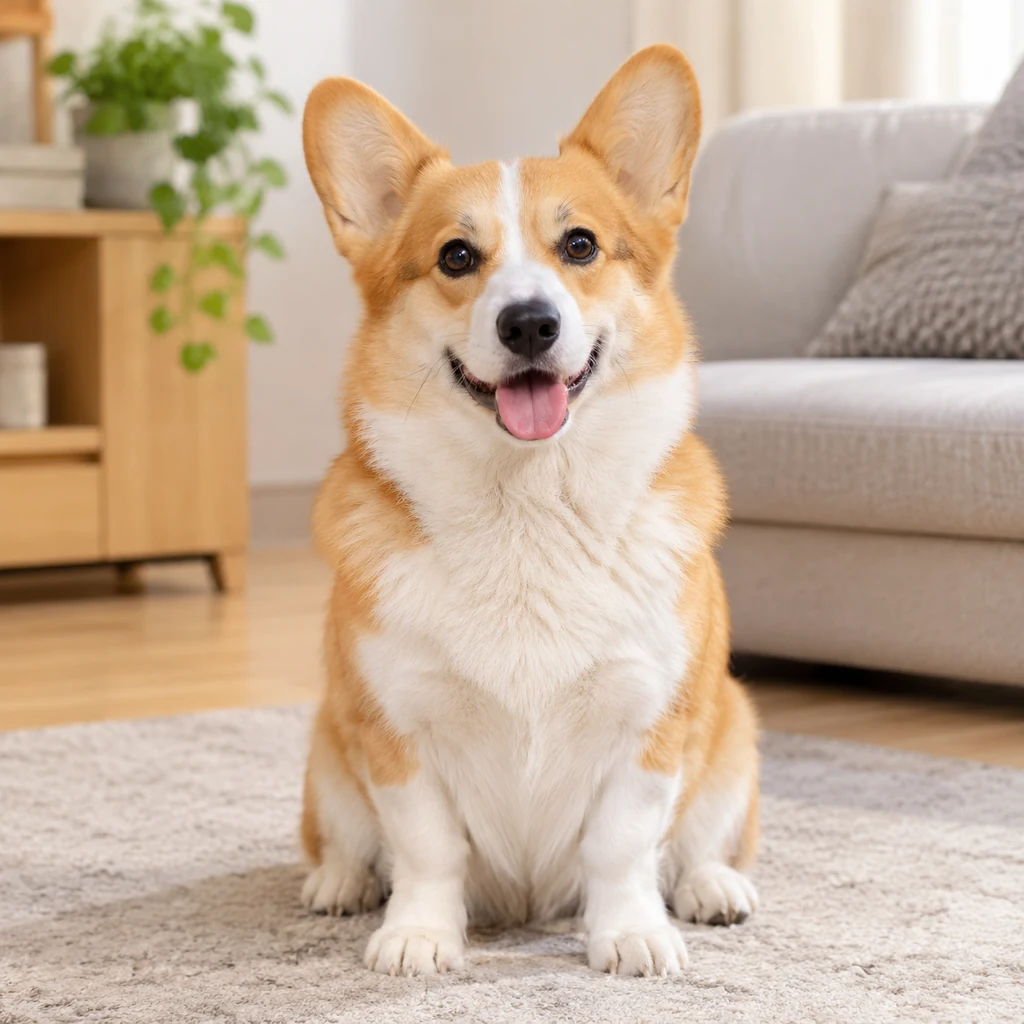
Use one clear, front-facing photo of your pet, with even lighting and the head and chest visible. The photo replaces the pet in the reference clip.
2What should your pet say?· optional
Keep it to one or two short sentences. Your pet speaks the line in the language you write, so a short, simple message lands best in 10 seconds.
3Length
By clicking Generate you confirm you have the right to use this photo, and that any person visible has agreed to appear. Do not upload photos of minors, celebrities or public figures.
The finished clip
Example
What a talking pet video looks like
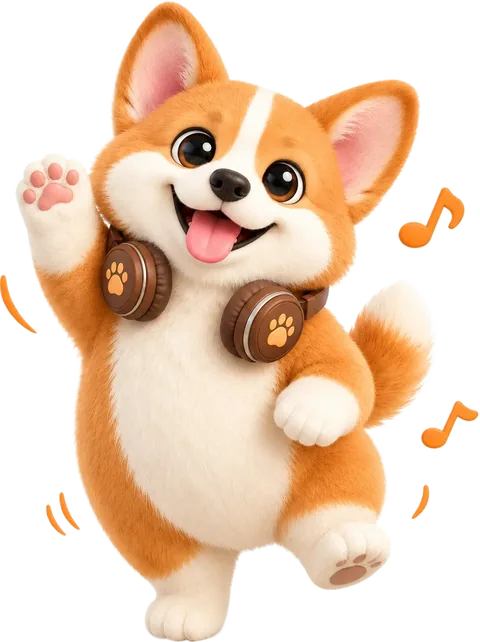
The demo clip is a temporary placeholder until the first real talking render is added. In a finished render, your pet sits in the preset scene, looks straight at the camera and speaks the line you typed.
What to look for
- One photo fills the single pet slot in the preset scene.
- The pet keeps its own face, markings and fur colour.
- Ten seconds, 9:16 vertical, with an AI voice and lip-sync.
How to make your pet video
- 01
Upload one pet photo
Add one clear, front-facing photo of your dog or cat with the mouth and eyes visible: JPG, PNG or WebP, up to 10 MB. This play is single-pet, so use one animal in the frame.
- 02
Type the line
Write one or two short sentences in the language you want your pet to speak. Leave the box empty and the model writes a short friendly line instead. The credit cost is shown before you start.
- 03
Generate and post
Open My videos and download the watermark-free MP4: 10 seconds, vertical 9:16, 720p. The voice and lip-sync are already in the clip, so it drops straight into TikTok, Reels and Shorts.
Which photos work best?
What works
- Front-facing, with the eyes, nose and mouth clearly visible
- Even light, with no strong shadow across the face
- Recent, sharp and in focus
- One dog or cat in the photo, on a clean background
- A relaxed, closed or slightly open mouth works for lip-sync
What to avoid
- Turned away, or mostly side profile
- Blurry, backlit or heavily filtered
- Mouth hidden by a paw, toy, clothing or heavy fur
- Two pets or a person in the same photo
The photo supplies the face, mouth and markings; the room, camera and framing come from the preset scene. A clear front-facing photo gives the model the best chance of matching the lip-sync to your pet.
What is Talking Pet AI?
Talking Pet AI turns a still photo into a short video where your dog or cat speaks a message to camera. It is the pet version of the talking-animal videos that fill TikTok and Reels: one face, one line, and a reaction from whoever receives it.
People use it for small, personal messages: an apology after a ruined pair of shoes, a “miss you” from home, a birthday wish, or a joke about who really runs the house. The clip is short enough to send as a story and clear enough to read without explanation.
Instead of filming and hoping your pet looks at the camera, you upload a photo and let the render handle the voice, mouth movement and framing.
Make your dog talk or make your cat talk
The workflow is the same for both: upload a front-facing photo, type the line and generate. Any breed works, and the pet keeps its own face, markings and fur colour instead of being replaced by a stock animal.
For dogs, a clear photo of the face with the mouth visible gives the strongest lip-sync. For cats, avoid photos where a paw or long fur covers the mouth, and pick a shot where the eyes are open and looking toward the camera.
A talking dog video and a talking cat video can use the same preset scene, so you can make one clip for each pet without learning a new tool.
Messages people use it for
Love and miss-you notes: “I missed you” or “come home soon” works well as a short clip sent while you are away.
Apologies and jokes: a pet apologising for a chewed sock or a knocked-over plant is the kind of contrast that makes the format funny.
Birthday and gotcha-day wishes: a short “happy birthday” from the pet is easier than filming a whole scene.
Cheer-up and thank-you messages: a few words from a pet can land softer than a text, especially for a friend having a rough week.
How the AI voice and lip-sync work
The clip uses an AI-generated voice, not a recording of you or anyone else. Write the line in the language you want, and the model speaks it with mouth movement matched to the audio.
The voice is original and generated for the clip, so there is no copyrighted song or sample to trigger a mute. Lip-sync is generated from the photo and the line; a clear, front-facing mouth gives the model more to work with.
What this Talking Pet AI play does not do
It does not clone a real person’s voice, and it does not turn a person into a character. This play is for one dog or cat photo, one short line and a 10-second clip.
It also does not make a long video, an editable project or a two-pet conversation. For a two-pet performance or a concert-style clip, use one of the other plays on the site.
If the video doesn’t look right

AI renders can miss. Work through these fixes before spending more credits.
The mouth does not move with the voice
Use a front-facing photo where the mouth is clearly visible and not covered by a paw, toy or long fur. Re-upload and generate again.
The voice is not in the language I typed
Write the line in the language you want to hear, keep it short, and check there is no mixed-language text in the box before generating.
The pet doesn’t look like mine
Use a recent, evenly lit, front-facing photo with no heavy filter and the head and chest in frame.
The background or camera moved
Retry once. The play keeps the scene and camera fixed, but AI renders can still drift. A failed render refunds its credits automatically.
The line is cut off or rushed
Shorten the line to one or two short sentences. Ten seconds is not enough for a long speech, and shorter lines sync more cleanly.
Extra limbs or a distorted face appear
Use a simple front-facing pose without clothing, hats or furniture covering the body, then try a different photo if it persists.
AI generation is not fully predictable, and some artifacts cannot be removed. A clearer photo and a shorter line usually help more than repeated retries.
Posting your pet video
The clip is a short vertical MP4, so it drops straight into TikTok, Instagram Reels and YouTube Shorts. Treat the captions below as a starting point and adjust them to your account.
Caption ideas
- “POV: your dog finally explains the sock”
- “My cat said sorry and I forgave her immediately”
- “He said “I missed you” and I actually cried”
- “One photo, one line, one very opinionated pet”
TikTok
Open with the hook, keep 3–5 tags and switch on the AI-generated label.
Hashtags: #petsoftiktok #dogsoftiktok #catsoftiktok #AIpetvideo #petvideo
Instagram Reels
Share to feed, keep the caption short and use 3–5 tags.
Hashtags: #petstagram #dogsofinstagram #catsofinstagram #reels #AIpetvideo
YouTube Shorts
Put the keyword in the title, add #Shorts and mention AI in the description.
Hashtags: #petvideos #dogshorts #catsshorts #AIvideo #shorts
Turn on the platform’s AI-generated label, do not claim the clip is real footage, and only use someone else’s pet photo with permission.
Questions about this play
What is Talking Pet AI?
It is a pet video generator that makes a dog or cat appear to speak a short line to camera. You upload one photo, type the message and get a 10-second vertical clip with an AI voice and lip-sync.
Can I make my dog or cat talk?
Yes. Upload one clear, front-facing photo of your dog or cat and type the line. Any breed works, and the pet keeps its own face, markings and fur colour.
How many photos do I need? Can I use two pets?
One photo of one pet. This play is single-pet only, so it does not support two dogs or cats in the same clip, and photos of people are not supported.
How long is the clip?
Ten seconds, vertical 9:16 at 720p. That is enough for one or two short sentences; longer lines get cut off or rushed.
Can I choose what my pet says?
Yes. Type one or two short sentences in the language you want to hear. Leave the box empty and the model writes a short friendly line instead.
Does it sound like a real voice?
It uses an AI-generated voice that fits the scene. It is not a clone of your voice or anyone else’s, and it is not a recording from a film or song.
Will the lip-sync look real?
Usually, if the photo is clear and the mouth is visible. Front-facing photos with even light and no paw, toy or fur covering the mouth sync best. Blurry or side-angle photos make the mouth harder to match.
Can I use it for a birthday, apology or love message?
Yes. Short personal messages are the main use: birthdays, gotcha days, apologies, miss-you notes, thank-yous and cheer-up clips all work in 10 seconds.
How much does a talking pet video cost?
The credit cost is shown in the generator before you start. Failed renders return those credits to your balance automatically.
Will TikTok or Instagram mute the clip?
No. The voice and audio are generated for the clip, so there is no copyrighted recording to mute. You can post it as-is or add a platform sound later.
Other plays
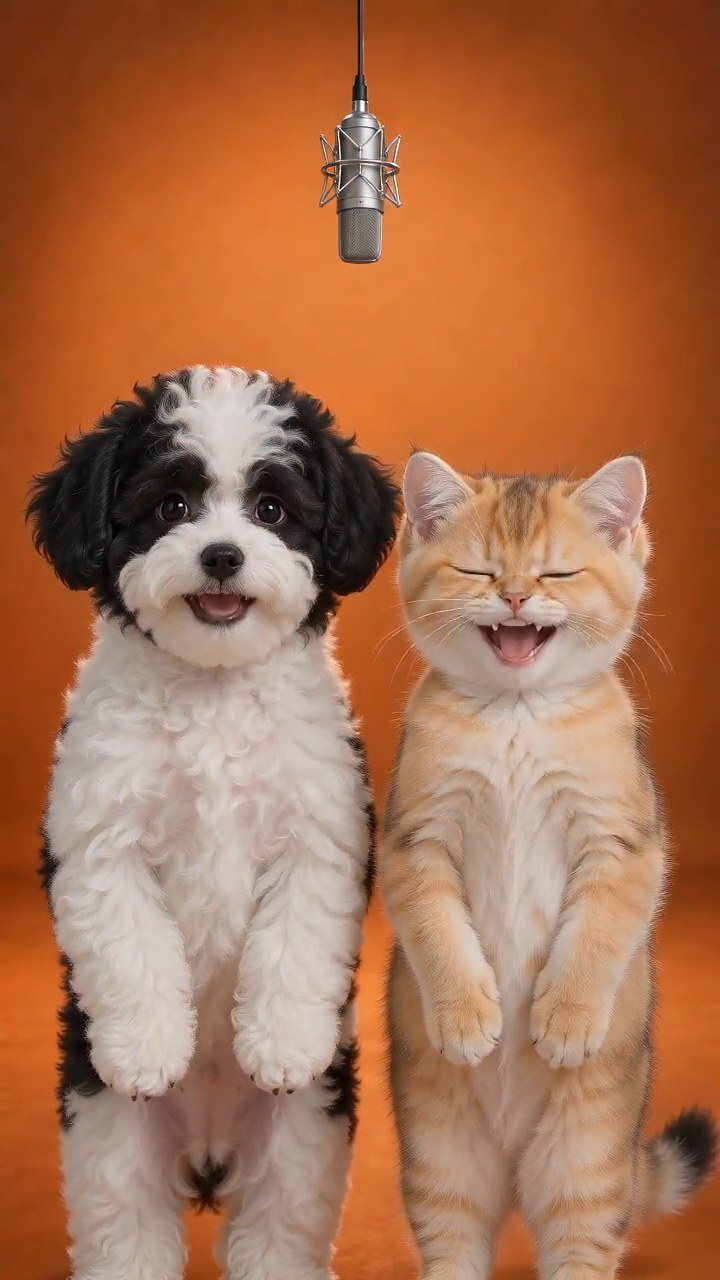 Hotel Lobby PetsTurn two pet photos into a short vertical video on a golden hotel-lobby stage. No filming or training: the stage, camera and timing come from the reference.Try this play
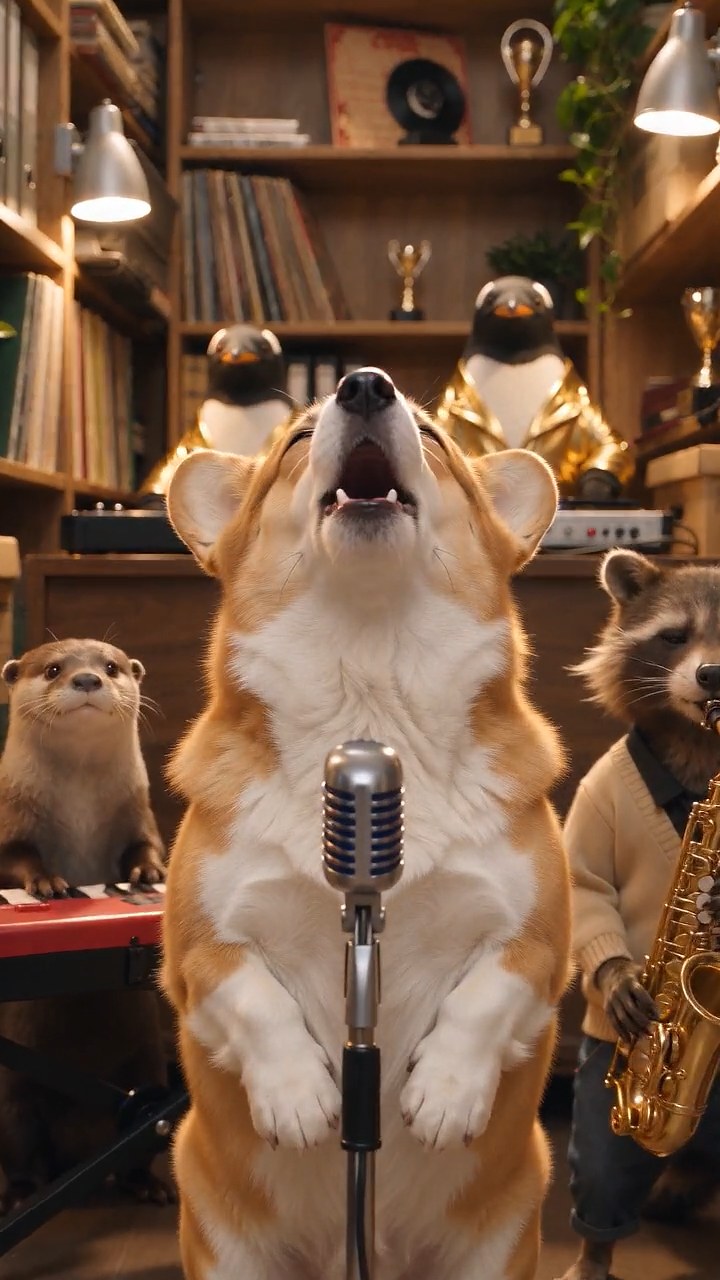 Tiny Desk PetsMake a Tiny Desk AI video with your dog or cat. Upload one pet photo and get a 10-second vertical concert clip with AI-generated music, ready to post.Try this play