AI Hamster Video Generator: One Photo to Video
This AI hamster video generator turns one photo of your hamster into a short video. Upload a photo, pick a length and generate a clip with your hamster as the star.
Create your pet video
1Your pet photo
Your pet
Use one clear, front-facing photo of your pet, with even lighting and the head and chest visible. The photo replaces the pet in the reference clip.
2Your Pet's Line
Leave it blank and the pet improvises. Keep it short — it’s spoken aloud in the clip.
3Length
By clicking Generate you confirm you have the right to use this photo, and that any person visible has agreed to appear. Do not upload photos of minors, celebrities or public figures.
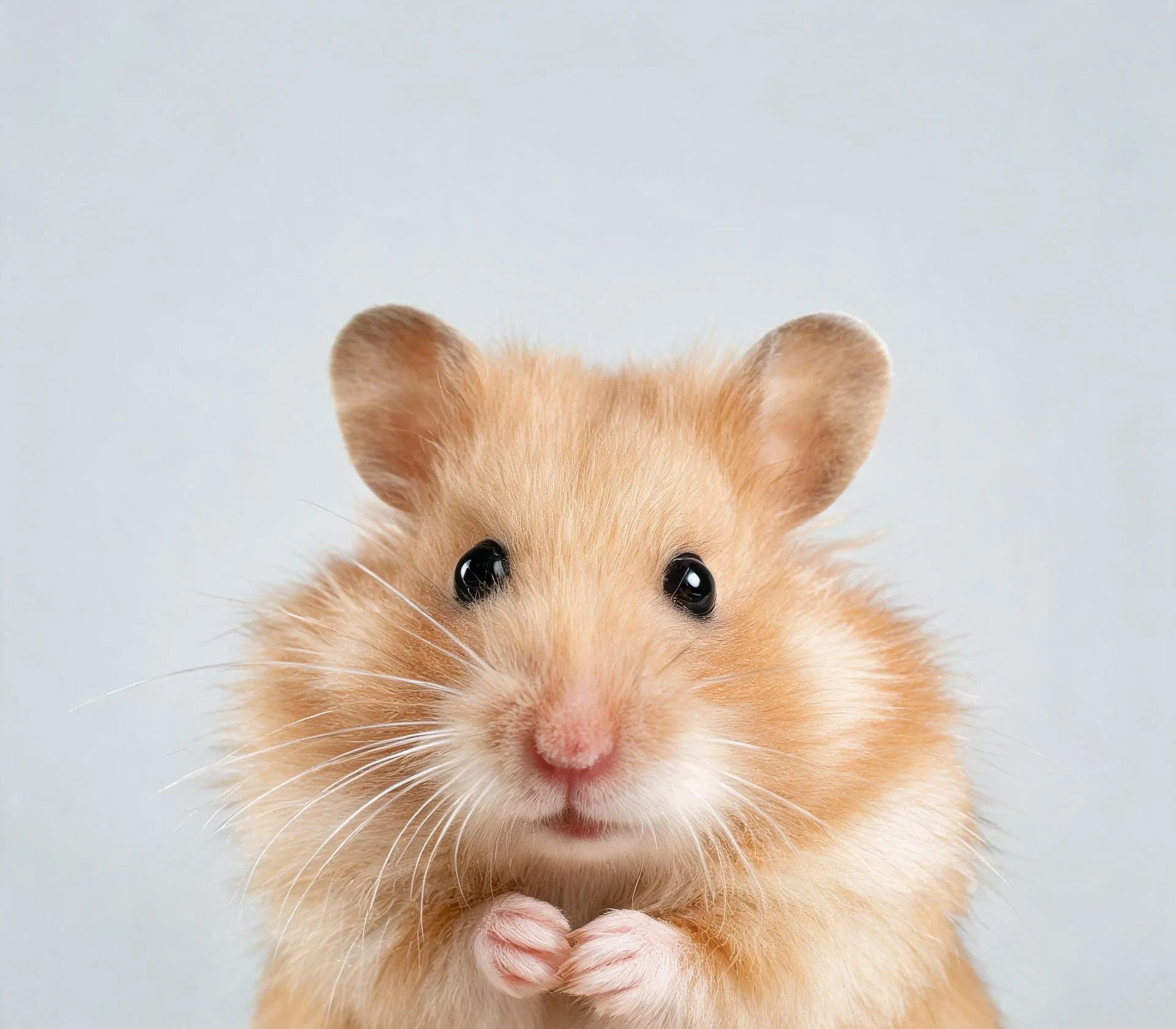
The finished clip
Example
What this AI hamster video generator makes
This demo is a temporary placeholder until the first real hamster render is added. In a finished render, your hamster stands on the preset mini stage, keeps its own face and markings, and performs to music generated for the clip.
What to look for
- One photo fills the single hamster slot in the preset scene.
- The hamster keeps its own face, fur colour and markings.
- Pick a length in the generator; the music is generated for the clip.
How to make your pet video
- 01
Upload one hamster photo
Add one clear photo of your hamster: JPG, PNG or WebP, up to 10 MB. A front-facing shot with the eyes, ears and body visible works best. This play is single-pet, so use one hamster in the frame.
- 02
Pick a length and generate
Choose the length in the generator and start the render. The credit cost is shown before you start, and a failed render returns those credits to your balance automatically.
- 03
Download and post
Open My videos and download the watermark-free MP4, vertical 9:16. The music is already in the clip, so it drops straight into TikTok, Reels and Shorts.
Which photos work best?
What works
- Facing the camera, with both eyes and ears visible
- The whole hamster in frame, including paws and body
- Even light, with no cage bars between the camera and the pet
- Held in an open hand or sitting on a clean, plain surface
- Sharp focus and no heavy filter
What to avoid
- Shot through cage bars, glass or mesh
- Flash photos with red-eye or harsh reflections
- Bedding, a wheel or a tunnel covering part of the body
- Blurry, very dark or heavily filtered
- Two or more hamsters in the same photo
Hamster photos are often taken quickly and through a cage. Move the hamster to a plain surface or an open hand, use room light instead of flash, and take several shots: a sharp, unobstructed photo matters more for a small pet than for a dog or cat.
What is an AI hamster video generator?
An AI hamster video generator makes a short video of a hamster from a photo instead of filming a live animal. You upload one photo, choose a length, and the render places your hamster on a preset stage with music generated for the clip.
The format grew out of the hamster memes that fill TikTok and Shorts, where small pets are edited into human-sized situations. A generator makes the same kind of clip without filming, lighting or directing a live animal.
It works for Syrian hamsters, dwarf hamsters and other small pets, as long as the photo is clear enough to read the face and body.
Syrian hamsters, dwarf hamsters and other small pets
Syrian hamsters are larger and easier to photograph, so their face, ears and fur pattern usually come through best. Dwarf hamsters are smaller and faster; a sharp photo taken in good light makes a visible difference.
The photo supplies the identity: face shape, eye shape, ear shape, fur colour and markings. A hamster with a distinctive pattern, a white belly or a cream coat tends to read more clearly in the finished clip than a solid dark coat.
If you keep several hamsters, generate one clip per animal rather than putting two in the same photo. This play is single-pet only.
Ideas for your hamster video
A tiny stage performance is the core idea: your hamster stands in the spotlight, paws up, while the music builds.
Birthday and gotcha-day clips: a short generated clip is easier to post than filming a whole celebration, and it keeps the focus on the pet.
Reaction clips: pair the video with a caption about the wheel at 3 a.m., the hidden food stash or the great escape attempt.
Character clips: give your hamster a name, a job or a personality in the caption and post it as a recurring series.
Music and sound in the clip
The music is generated for the clip rather than taken from a song, so there is no licensed track to trigger a mute on TikTok or Instagram.
If you want a specific trend sound, add it in the platform editor after downloading the MP4. The generated clip already has audio, so lower or replace it there if you prefer.
What this AI hamster video generator does not do
It does not support two hamsters in one clip, and it does not turn a person into a hamster. It takes one hamster photo and returns one short vertical video.
It also does not produce a long video or an editable project. For dog and cat plays with other scenes, use the other play pages on the site.
If the video doesn’t look right
AI renders can miss. Work through these fixes before spending more credits.
The hamster does not look like mine
Use a sharp photo where the fur pattern, eye shape and ear shape are clear. Avoid filters and cage bars, which hide the details the model needs.
The result looks like a different species
Upload a photo with the full body visible so the model can read the size and proportions. A close-up of only the head gives it less to work with.
The face or paws are distorted
Try a simpler pose with the paws visible and nothing covering the body, then generate again. Small pets are harder for the model than dogs or cats.
The background drifts or the stage changes
Retry once. The play keeps the scene fixed, but AI renders can still drift. A failed render refunds its credits automatically.
The hamster is too small or cropped in the frame
Use a photo where the hamster fills most of the frame rather than a wide shot of the cage.
Small pets are harder to render than dogs or cats, so a clean, sharp photo does more for the result than repeated retries.
Posting your pet video
The clip is a short vertical MP4, so it drops straight into TikTok, Instagram Reels and YouTube Shorts. Treat the captions below as a starting point and adjust them to your account.
Caption ideas
- “My hamster has a stage now”
- “Tiny pet, tiny stage, big main character energy”
- “He rehearsed this all week in his wheel”
- “One photo and my hamster is famous”
TikTok
Open with the hook, keep 3–5 tags and switch on the AI-generated label.
Hashtags: #petsoftiktok #dogsoftiktok #catsoftiktok #AIpetvideo #petvideo
Instagram Reels
Share to feed, keep the caption short and use 3–5 tags.
Hashtags: #petstagram #dogsofinstagram #catsofinstagram #reels #AIpetvideo
YouTube Shorts
Put the keyword in the title, add #Shorts and mention AI in the description.
Hashtags: #petvideos #dogshorts #catsshorts #AIvideo #shorts
Turn on the platform’s AI-generated label, do not claim the clip is real footage, and only use someone else’s pet photo with permission.
Questions about this play
What is an AI hamster video generator?
It is a tool that turns a photo of a hamster into a short video. You upload one photo, pick a length, and the generator places your hamster in a preset scene with music generated for the clip.
Can I make a video of my own hamster?
Yes. Upload one clear photo of your hamster and the render places it in the preset scene. The hamster keeps its own face shape, ear shape, fur colour and markings.
Which hamsters work?
Syrian, dwarf and other pet hamsters all work as long as the photo is sharp and the face and body are visible. Syrian hamsters are usually easier to photograph because they are larger.
How many photos do I need?
One photo of one hamster. This play is single-pet only, so it does not support two hamsters in the same clip, and photos of people are not supported.
How long can the video be?
You choose the length in the generator. The available lengths and their credit cost are shown before you generate, and the result is a vertical 9:16 clip for TikTok, Reels and Shorts.
Does the video have sound?
Yes. The music is generated for the clip. It is not a licensed song, so there is no copyrighted track to mute. You can also add a trend sound later in the platform editor.
Will it look like my hamster?
Usually, if the photo is sharp and unobstructed. Fur pattern, eye shape, ear shape and markings come from your photo. Very small or dark hamsters are harder to render, so use the clearest photo you have.
Can I put two hamsters in one video?
Not in this play. It takes one hamster photo. If you keep several hamsters, generate one clip per animal.
Is this a hamster video generator or a video maker?
Both words describe the same tool here: it makes a hamster video from your photo. There is no timeline or editing step, so you upload a photo, pick a length and generate.
Do I need editing skills?
No. There is no timeline, no keyframes and no manual lip sync. If you want a specific trend sound, add it in the TikTok or Instagram editor after downloading the MP4.
Is the AI hamster video generator free?
You pay per clip with credits rather than a subscription. The cost is shown before you generate, and failed renders return those credits automatically.
How much does an AI hamster video cost?
The credit cost is shown in the generator before you start. Failed renders return those credits to your balance automatically.
Will TikTok or Instagram mute the clip?
No. The audio is generated for the clip, so there is no copyrighted recording to mute. If you add a trend sound yourself, normal platform rules apply.
Other plays
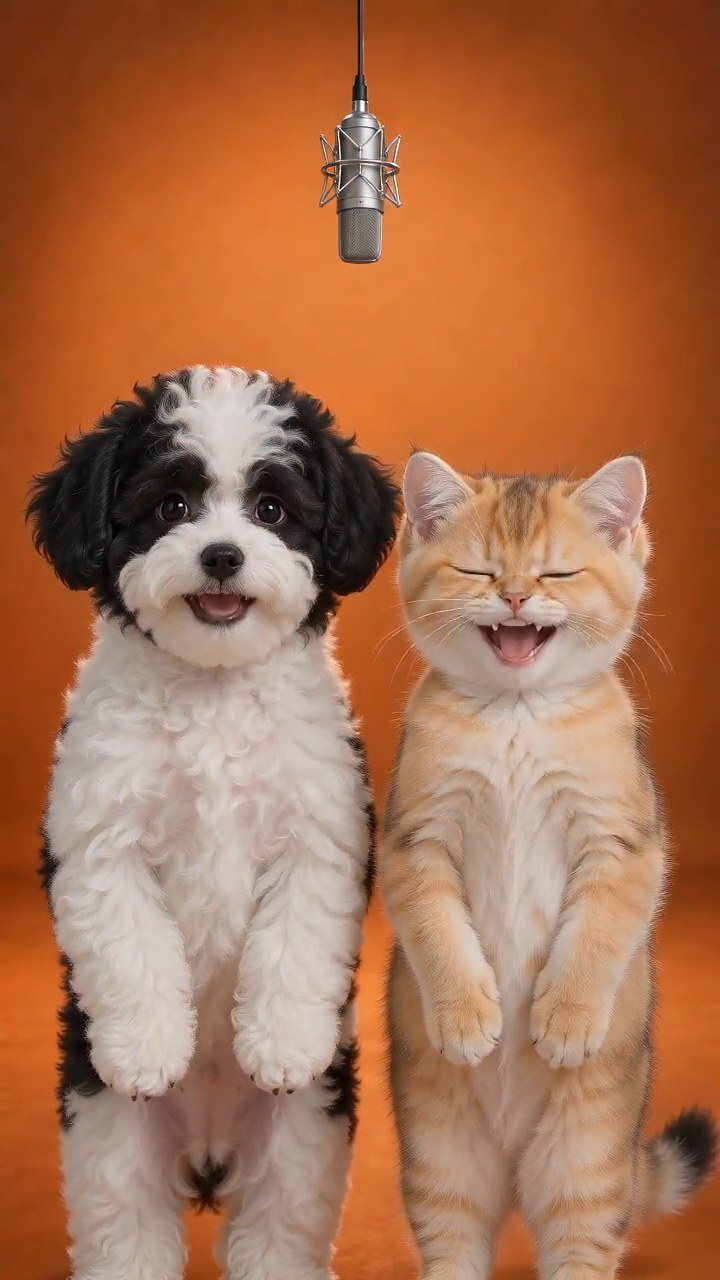 Hotel Lobby PetsTurn two pet photos into a short vertical video on a golden hotel-lobby stage. No filming or training: the stage, camera and timing come from the reference.Try this play
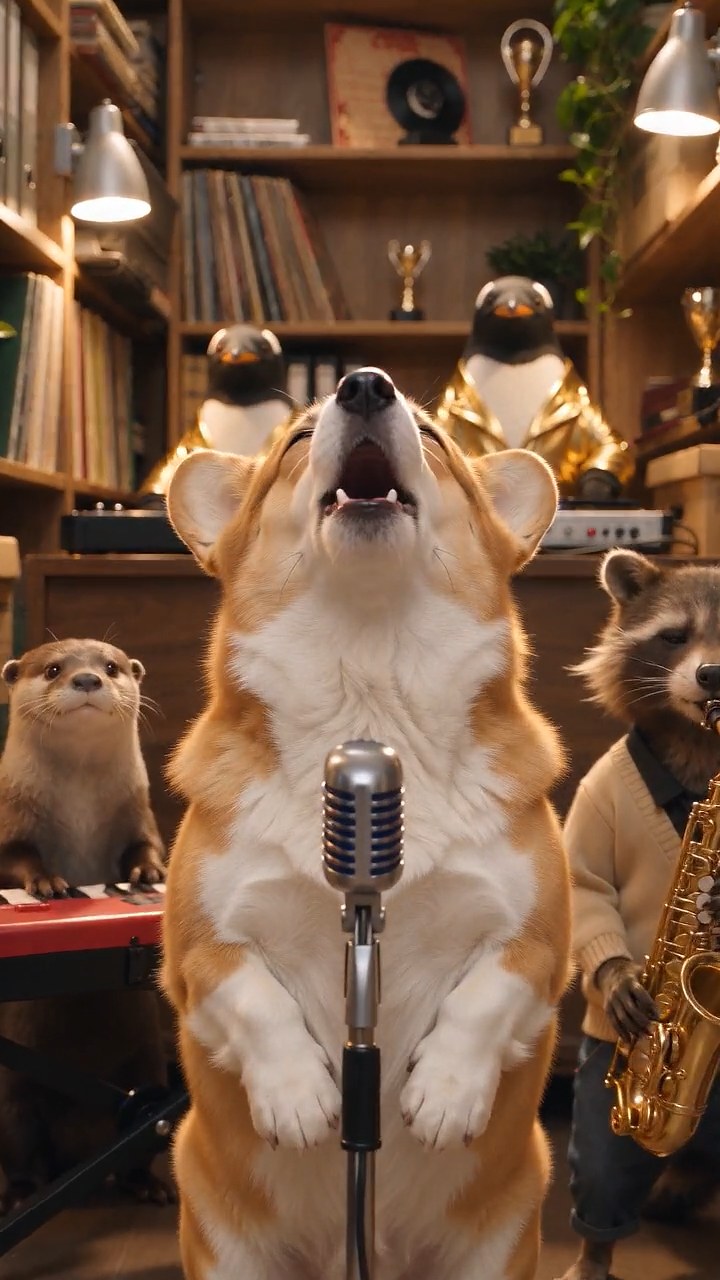 Tiny Desk PetsMake a Tiny Desk AI video with your dog or cat. Upload one pet photo and get a 10-second vertical concert clip with AI-generated music, ready to post.Try this play
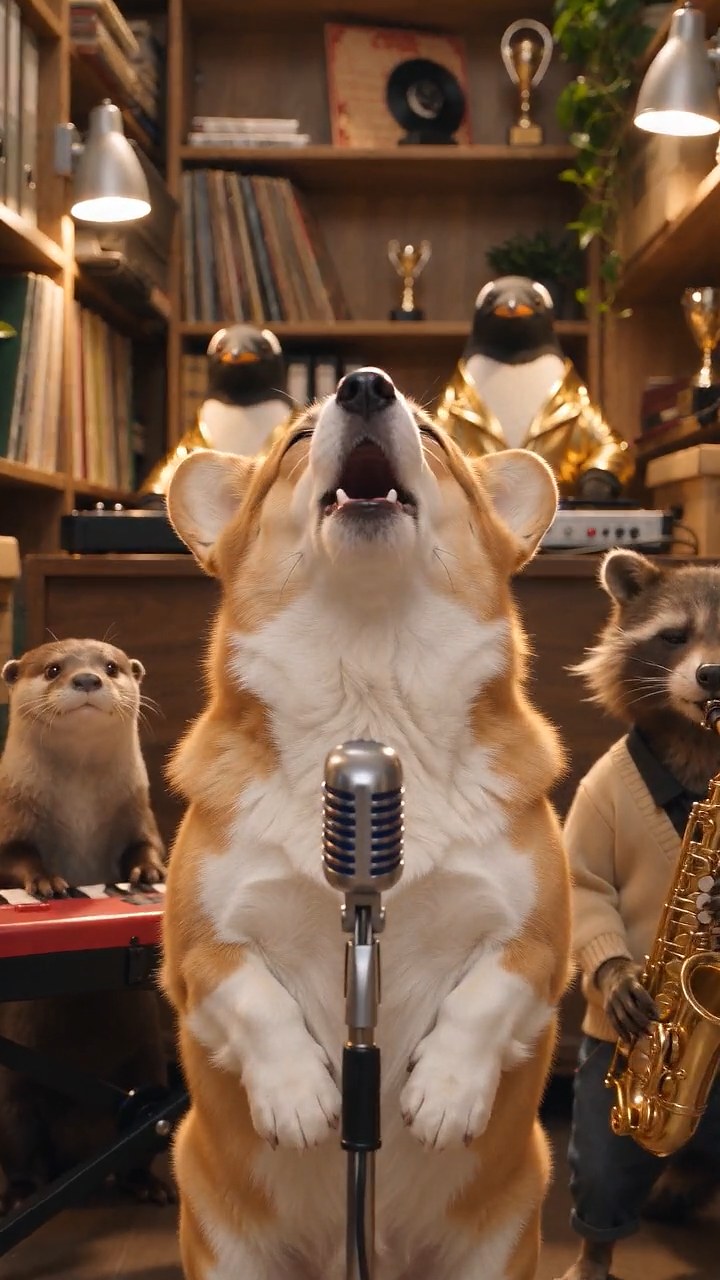 Talking Pet AITurn one pet photo into a talking pet video: type a short line and get a 10-second vertical clip with AI voice and lip-sync, ready for TikTok and Reels.Try this play