Cat Dancing Video Generator: Make Your Cat Dance
Cat dancing is one of the easiest pet trends to join: one clear photo is enough. This play keeps your cat’s face, fur colour and markings, then renders a short vertical clip where the cat dances to the music. No filming and no editing skills required.
Create your pet video
1Your pet photo
Your pet
Use one clear, front-facing photo of your pet, with even lighting and the head and chest visible. The photo replaces the pet in the reference clip.
2Your Pet's Line
Leave it blank and the pet improvises. Keep it short — it’s spoken aloud in the clip.
3Length
By clicking Generate you confirm you have the right to use this photo, and that any person visible has agreed to appear. Do not upload photos of minors, celebrities or public figures.
The finished clip
Example
What a cat dancing video looks like

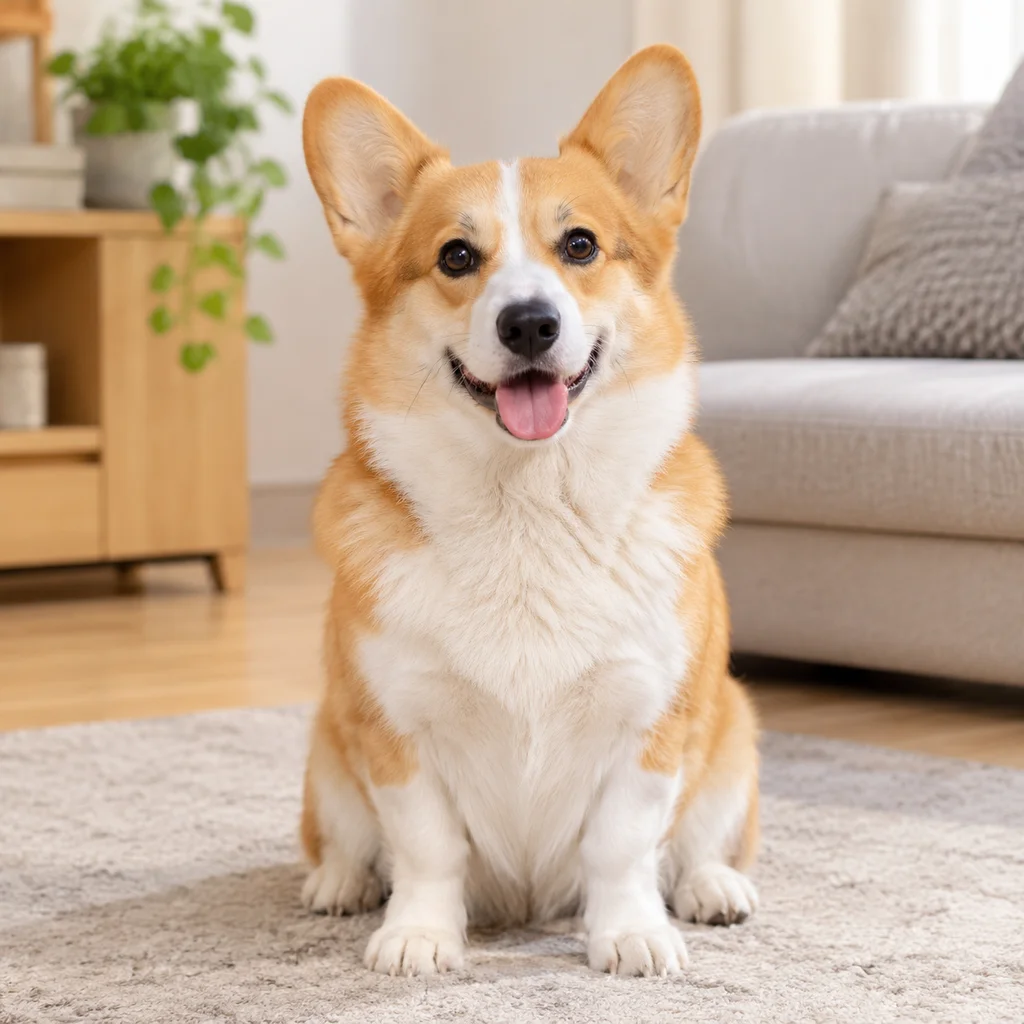
The demo shows the format: one cat photo goes in, and the finished clip keeps the same cat while it performs in a fixed vertical frame.
What to look for
- One clear photo fills the single cat slot.
- The cat keeps its own face, markings and fur colour.
- Ten seconds, 9:16 vertical, with music and a fixed camera.
How to make your pet video
- 01
Upload one cat photo
Add one clear, front-facing photo of your cat: JPG, PNG or WebP, up to 10 MB. Keep the head, chest and front paws in frame so the model has enough of the cat to work with.
- 02
Generate the dance clip
Starting the render confirms you have the rights to the photo. The credit cost is shown before you start, and a render usually takes a few minutes. You can leave the page while it runs.
- 03
Download and post
Open My videos and download the watermark-free MP4: 10 seconds, vertical 9:16, 720p. It drops straight into TikTok, Reels and Shorts.
Which photos work best?
What works
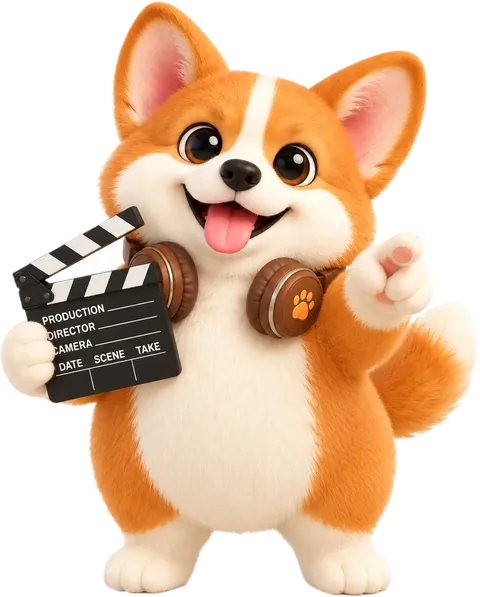
- Front-facing, with the head, chest and front paws in frame
- Even light, with no strong shadow across the face
- Recent, sharp and in focus
- One cat only, on a clean background
- Clear markings — tabbies, tuxedos and calicos stay recognisable while moving
What to avoid
- Turned away, or mostly side profile
- Blurry, backlit or heavily filtered
- Face or body hidden by furniture, clothing or a hat
- Two cats or a person in the same photo
The photo supplies the face, fur and markings; the scene and camera come from the play. A clean front-facing photo gives the model the most to work with.
What is a cat dancing video?
Cat dancing videos are short clips where a cat appears to dance to music. The trend works because the movement is playful and easy to loop, which makes it a natural fit for TikTok, Reels and Shorts.
This generator uses one photo of your cat and a preset short scene. You do not need to film the cat or learn editing software: upload the photo, pick the play and download the finished vertical clip.
Why one clear photo is enough
The photo is the only source of your cat’s identity. The model reads the face shape, eye colour, fur pattern and body proportions from it, then keeps those details while the cat moves.
A front-facing photo with even light gives the model the cleanest reference. Photos with heavy filters, deep shadows or a turned-away head leave more room for the face to drift.
What you get
Each render is a 10-second, 9:16 vertical MP4 at 720p, with the camera fixed and music already mixed in. That is the format social platforms expect, so you can post it without resizing or re-encoding.
The clip is generated for entertainment. It is not a recording of your cat actually dancing, and the result can vary between renders.
If the video doesn’t look right

AI renders can miss. Work through these fixes before spending more credits.
The cat doesn’t look like mine
Use a recent, front-facing photo with even light, the head and chest in frame and no heavy filter. Re-upload and generate again.
The cat is blurry or cropped
Use a sharp photo with the whole head inside the frame, and avoid cropping the ears or the top of the head.
Markings or fur colour changed
Avoid overexposed, strongly filtered or shadowed photos. A natural-light photo with no filter gives the model cleaner colour to work from.
The dance looks stiff or the paws distort
A simple front-facing pose without clothing or furniture covering the body works best. Retry once; failed renders refund their credits automatically.
The background drifts
This play keeps the camera fixed, but AI renders can still drift. Retry once with a cleaner photo; if it persists, try a different image.
AI generation is not fully predictable, and some artifacts cannot be removed. A clearer photo usually helps more than repeated retries.
Posting your pet video
The clip is a short vertical MP4, so it drops straight into TikTok, Instagram Reels and YouTube Shorts. Treat the captions below as a starting point and adjust them to your account.
Caption ideas
- “POV: your cat heard one beat and became a backup dancer”
- “She said “no cameras”, then hit the choreography”
- “My cat’s dance card is fuller than mine”
- “One photo, ten seconds, zero dance lessons”
TikTok
Open with the hook, keep 3–5 tags and switch on the AI-generated label.
Hashtags: #petsoftiktok #dogsoftiktok #catsoftiktok #AIpetvideo #petvideo
Instagram Reels
Share to feed, keep the caption short and use 3–5 tags.
Hashtags: #petstagram #dogsofinstagram #catsofinstagram #reels #AIpetvideo
YouTube Shorts
Put the keyword in the title, add #Shorts and mention AI in the description.
Hashtags: #petvideos #dogshorts #catsshorts #AIvideo #shorts
Turn on the platform’s AI-generated label, do not claim the clip is real footage, and only use someone else’s pet photo with permission.
Questions about this play
Can I make a dancing cat video from one photo?
Yes. This play is single-cat: upload one clear photo and the model keeps the cat’s face, fur and markings while it renders a short dance clip.
How long is the video?
The clip is 10 seconds, vertical 9:16 at 720p. The generator shows the length and credit cost before you start.
Does my cat need to be dancing in the photo?
No. A normal front-facing photo works best. A simple pose with the head, chest and front paws visible gives the model a clear reference to animate.
What happens if the render fails?
Failed renders return their credits to your balance automatically. You can retry with the same photo or upload a clearer one.
Can I use the video on TikTok and Instagram?
Yes. The output is a watermark-free MP4 in vertical 9:16, ready for TikTok, Reels and Shorts. Make sure you have the rights to the photo you upload.
Other plays
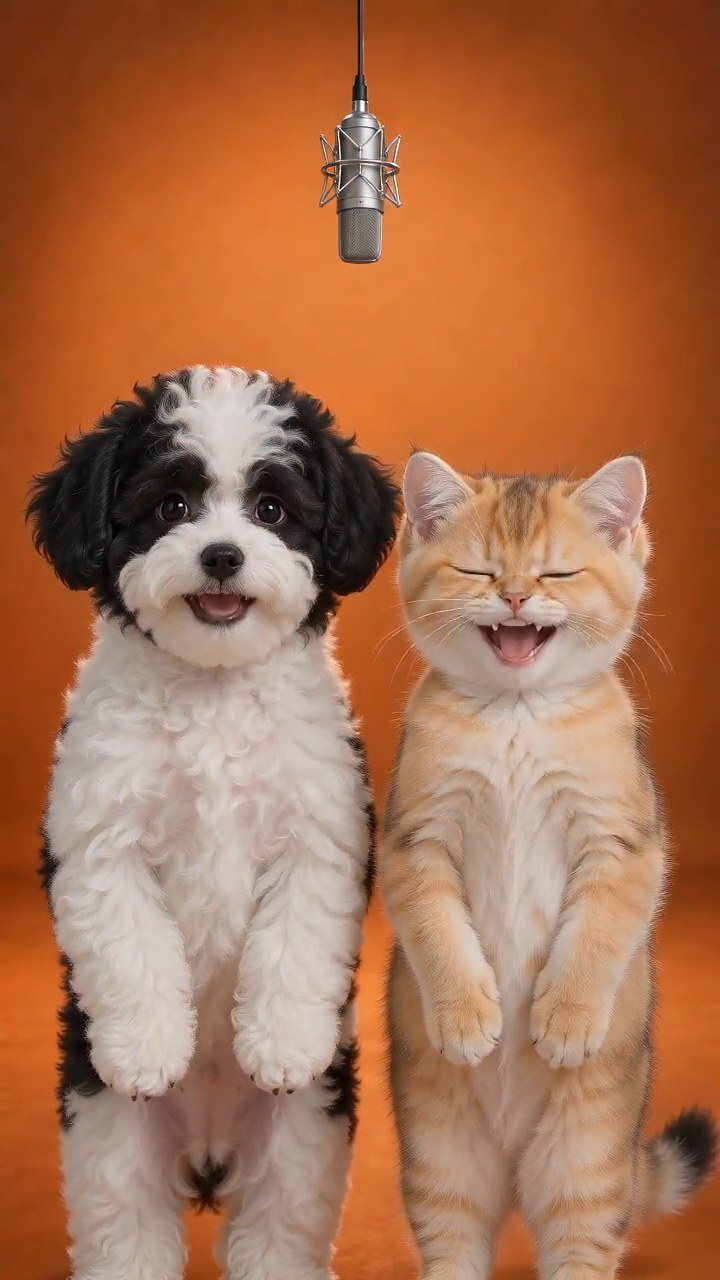 Hotel Lobby PetsTurn two pet photos into a short vertical video on a golden hotel-lobby stage. No filming or training: the stage, camera and timing come from the reference.Try this play
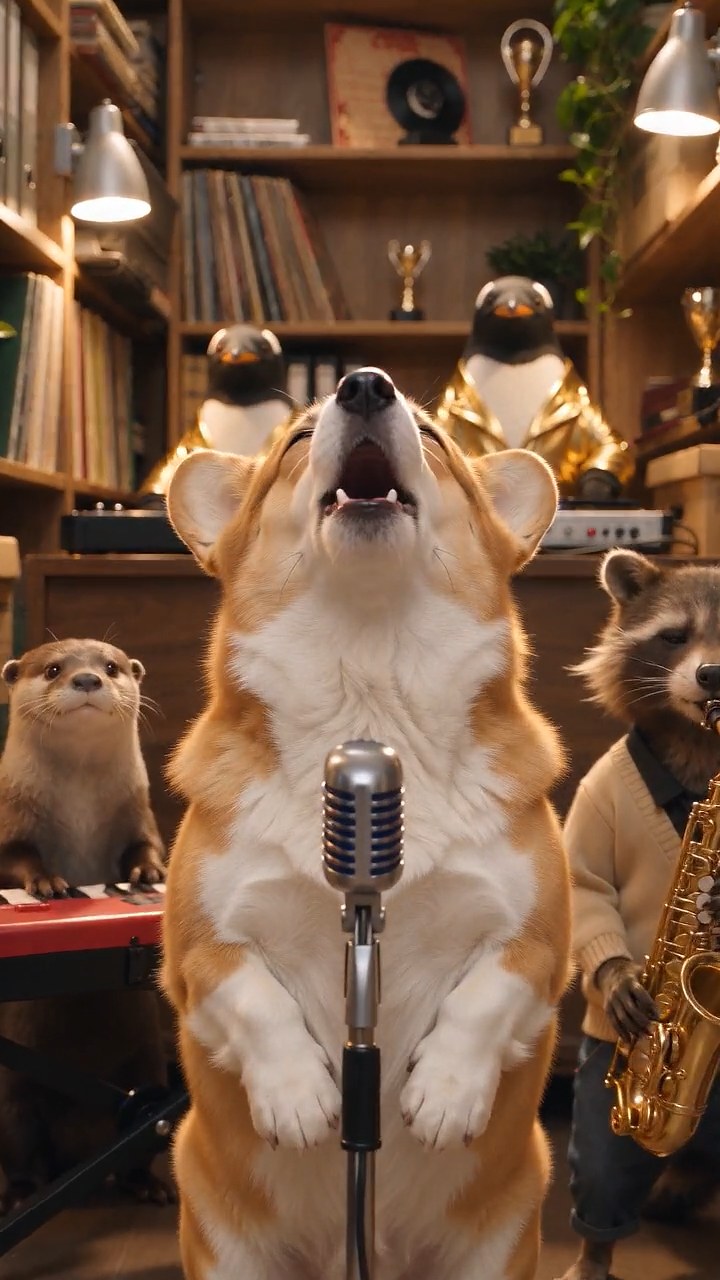 Tiny Desk PetsMake a Tiny Desk AI video with your dog or cat. Upload one pet photo and get a 10-second vertical concert clip with AI-generated music, ready to post.Try this play
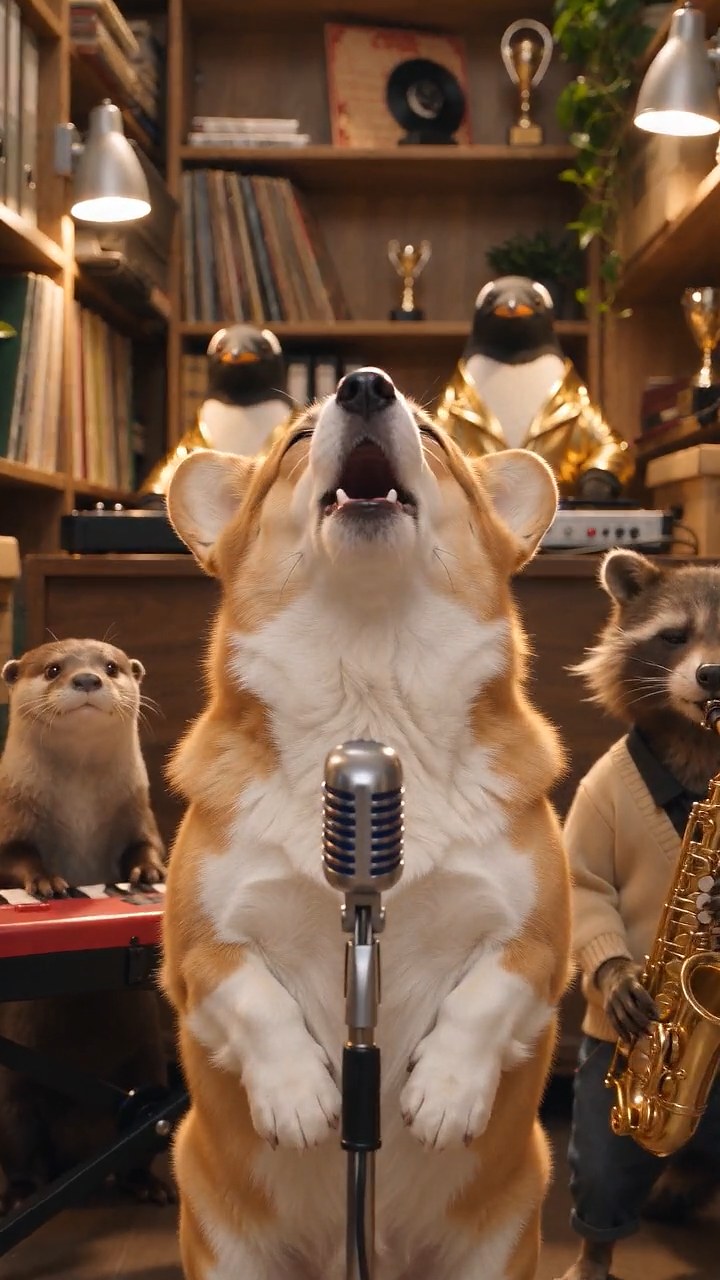 Talking Pet AITurn one pet photo into a talking pet video: type a short line and get a 10-second vertical clip with AI voice and lip-sync, ready for TikTok and Reels.Try this play
 AI Hamster VideoUse this AI hamster video generator to turn one photo into a short vertical clip. Pick a length and generate a video for TikTok and Reels.Try this play Dog DancingUse this AI dog dancing video generator to turn one dog photo into a 10-second vertical dancing clip with music, ready for TikTok, Reels and Shorts.Try this play Christmas DogUse this AI Christmas dog video generator to turn one dog photo into a 10-second Christmas clip with lights, gifts and music, ready for TikTok and Reels.Try this play