AI Christmas Dog Video Generator: One Photo
A Christmas dog video is the seasonal version of the same one-photo workflow: upload one clear photo of your dog, and the AI Christmas dog video generator keeps its face and markings while building a short holiday scene around it. No filming, no costume shoot and no editing.
Create your pet video
1Your pet photo
Your pet
Use one clear, front-facing photo of your pet, with even lighting and the head and chest visible. The photo replaces the pet in the reference clip.
2Your Pet's Line
Leave it blank and the pet improvises. Keep it short — it’s spoken aloud in the clip.
3Length
By clicking Generate you confirm you have the right to use this photo, and that any person visible has agreed to appear. Do not upload photos of minors, celebrities or public figures.
The finished clip
Example
What an AI generated Christmas dog video looks like

The demo shows the format: one dog photo goes in, and the finished clip keeps the same dog inside a fixed vertical holiday frame.
What to look for
- One clear photo fills the single dog slot.
- The dog keeps its face, markings and fur colour.
- Ten seconds, 9:16 vertical, with music and a fixed camera.
How to make your pet video
- 01
Upload one dog photo
Add one clear, front-facing photo of your dog: JPG, PNG or WebP, up to 10 MB. A plain photo works better than one already crowded with decorations, because the Christmas scene is generated for you.
- 02
Generate the holiday clip
Starting the render confirms you have the rights to the photo. The credit cost is shown before you start, and a render usually takes a few minutes; you can leave the page while it runs.
- 03
Download and post
Open My videos and download the watermark-free MP4: 10 seconds, vertical 9:16, 720p, ready for TikTok, Reels and Shorts as a Christmas post.
Which photos work best?
What works
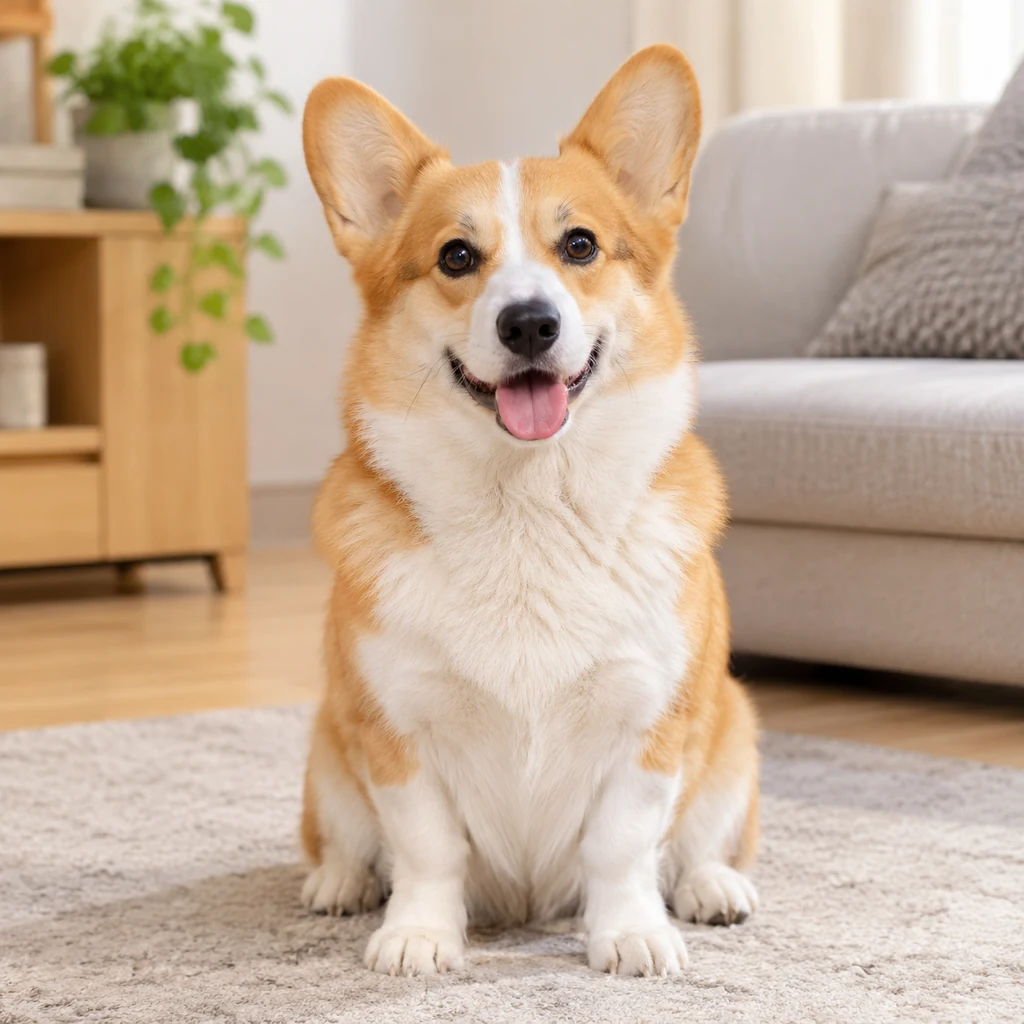
- Front-facing, with the head, chest and front paws in frame
- Even indoor light, with no strong shadow across the face
- Recent, sharp and in focus
- One dog only, on a clean background
- Clear markings, so the dog stays recognisable under warm holiday lighting
What to avoid
- Turned away, or mostly side profile
- Blurry, backlit or heavily filtered
- Face hidden by a Santa hat, blanket or person
- Two dogs or a person in the same photo
The photo supplies the face, fur and markings; the Christmas room, tree and gifts come from the play. A thin collar is fine. Large costumes, reindeer antlers and Santa hats often shift during the render, so a plain photo is the safer choice.
What is an AI Christmas dog video generator?
An AI Christmas dog video generator turns one still photo of your dog into a short holiday clip with lights, gifts and music. It is the same one-photo workflow as the other plays, with a seasonal scene instead of a studio or lobby.
Because the output is vertical and only ten seconds long, it works as a Christmas post, a story, or a quick reply in the family group chat. You do not need a costume, a decorated room or a camera operator: the AI Christmas dog video is rendered from the photo you upload.
How to generate a Christmas dog video from one photo
Choose a front-facing photo where the head, chest and front paws are visible, ideally with even indoor light. The model reads the face shape, eye colour, fur pattern and body proportions, then keeps those details while the dog moves through the holiday scene.
A plain photo is usually better than one already full of tinsel and decorations, because the play supplies the Christmas room. If you want a specific look — tree on the left, fireplace on the right, warm amber lights — the fixed scene already handles it, so you can focus on picking a clean photo before you generate the Christmas dog video.
Christmas dog video ideas: tree, Santa hat, gifts
Use the clip as a Christmas card replacement, a countdown post, or a “Santa is coming” story. Corgis, golden retrievers and huskies keep readable markings under warm lights, which makes the AI dog Christmas video maker feel personal rather than generic.
If you want two dogs in the same holiday clip, use the Hotel Lobby Pets play and upload one photo per slot. For a cat version of the same idea, the Cat Dancing play follows the same photo-to-video flow. Either way, keep the AI-generated label when you post the MP4.
If the video doesn’t look right

AI renders can miss. Work through these fixes before spending more credits.
The dog doesn’t look like mine
Use a recent, front-facing photo with even light and no heavy filter, then upload it again.
The Santa hat or antlers melt into the head
Outfits are the first thing to distort. Retry with a photo where the head is clear and uncovered; a hat can be added later as an overlay.
The background doesn’t look Christmassy
The scene comes from the play, not the photo. Avoid photos with a busy background, then try the render again; failures refund their credits automatically.
The dog is blurry or cropped
Use a sharp photo with the whole head inside the frame, and avoid cropping the ears, muzzle or top of the head.
The paws distort during the wave
A simple front-facing pose without furniture covering the body works best. Retry once; failed renders refund their credits automatically.
AI generation is not fully predictable, and some artifacts cannot be removed. A clearer photo usually helps more than repeated retries.
Posting your pet video
The clip is a short vertical MP4, so it drops straight into TikTok, Instagram Reels and YouTube Shorts. Treat the captions below as a starting point and adjust them to your account.
Caption ideas
- “Santa came early and he only brought zoomies”
- “My dog heard “Jingle Bells” once and now it’s a whole tour”
- “One photo, ten seconds, zero reindeer required”
- “Christmas card? No, Christmas video”
TikTok
Open with the hook, keep 3–5 tags and switch on the AI-generated label.
Hashtags: #petsoftiktok #dogsoftiktok #catsoftiktok #AIpetvideo #petvideo
Instagram Reels
Share to feed, keep the caption short and use 3–5 tags.
Hashtags: #petstagram #dogsofinstagram #catsofinstagram #reels #AIpetvideo
YouTube Shorts
Put the keyword in the title, add #Shorts and mention AI in the description.
Hashtags: #petvideos #dogshorts #catsshorts #AIvideo #shorts
Turn on the platform’s AI-generated label, do not claim the clip is real footage, and only use someone else’s pet photo with permission.
Questions about this play
Can I make a Christmas dog video from one photo?
Yes. This play takes one dog photo and renders a ten-second Christmas-themed clip. A clear front-facing photo gives the best result.
How long is the Christmas dog video?
Ten seconds, vertical 9:16 at 720p. The generator shows the length and credit cost before you start.
Do I need to put my dog in a Santa costume for the photo?
No. A plain photo works better. Hats, antlers and full costumes often shift during the render; the Christmas scene comes from the play.
Can I put two dogs in one Christmas video?
This play takes one dog per render. For two pets in one clip, use the Hotel Lobby Pets play, which has two photo slots.
Can I post the AI Christmas dog video on TikTok and Instagram?
Yes. The output is a watermark-free MP4 in vertical 9:16, ready for TikTok, Reels and Shorts. Keep the AI-generated label when you post.
Other plays
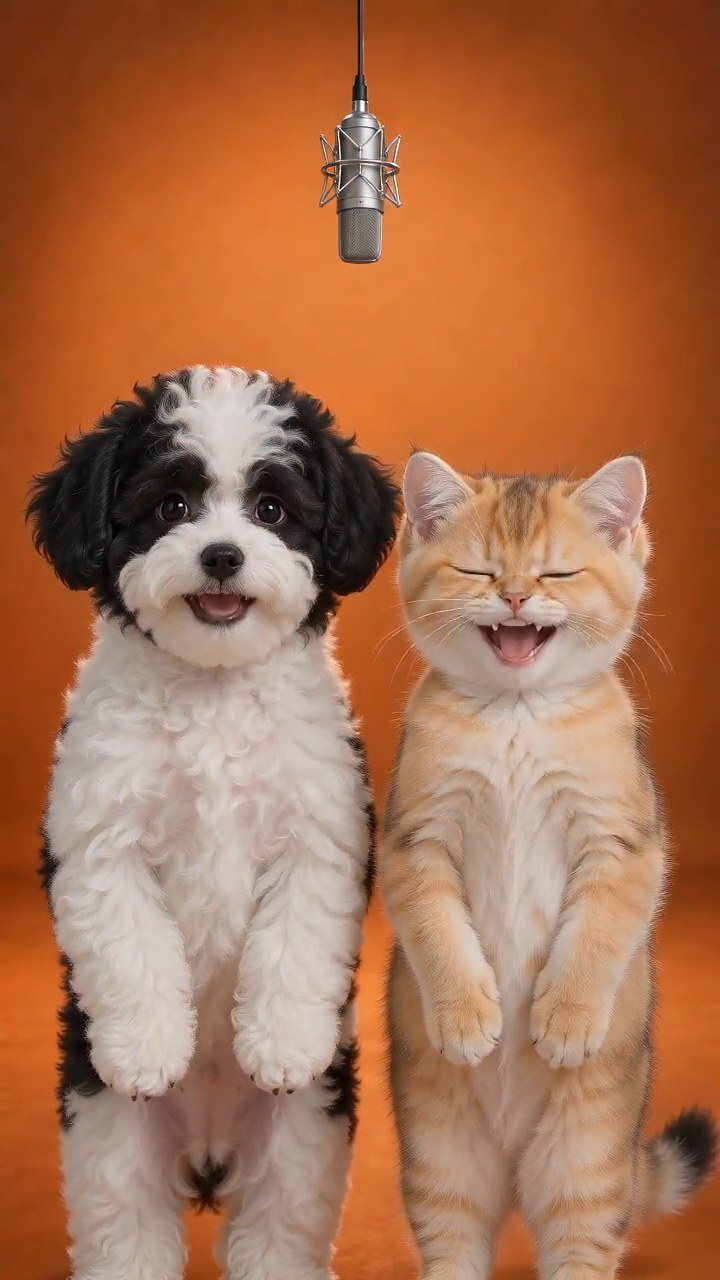 Hotel Lobby PetsTurn two pet photos into a short vertical video on a golden hotel-lobby stage. No filming or training: the stage, camera and timing come from the reference.Try this play
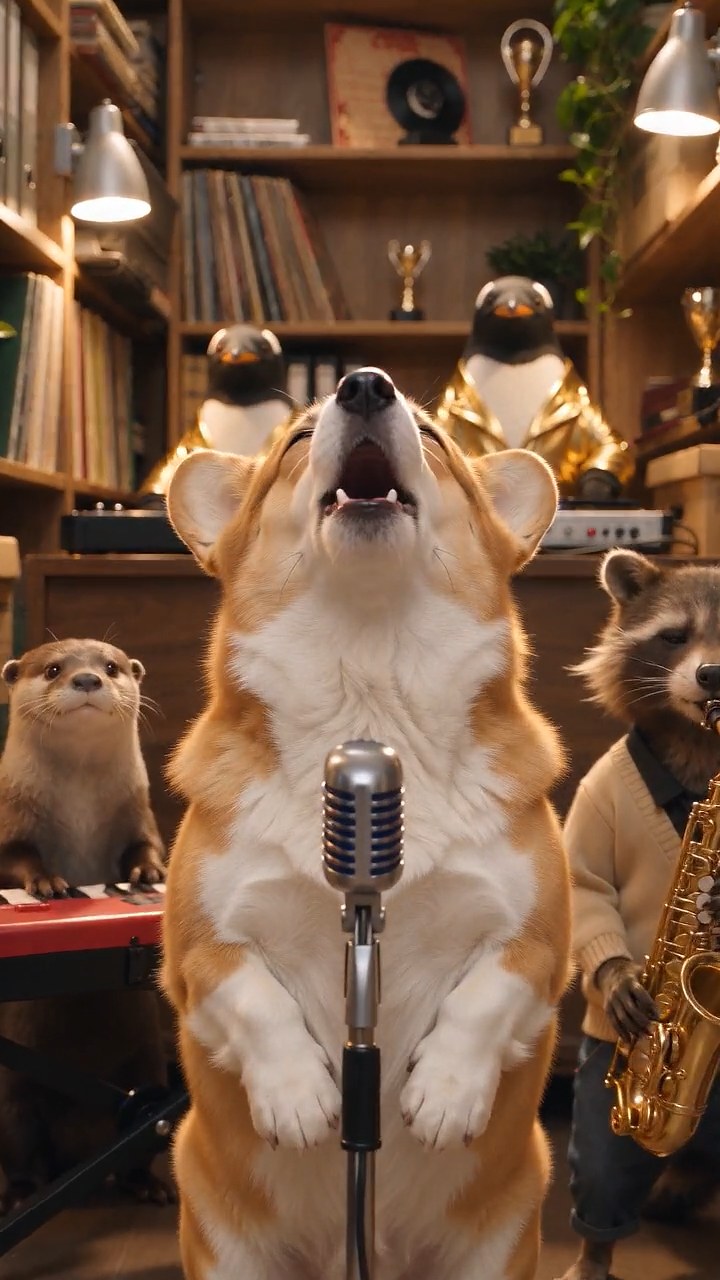 Tiny Desk PetsMake a Tiny Desk AI video with your dog or cat. Upload one pet photo and get a 10-second vertical concert clip with AI-generated music, ready to post.Try this play
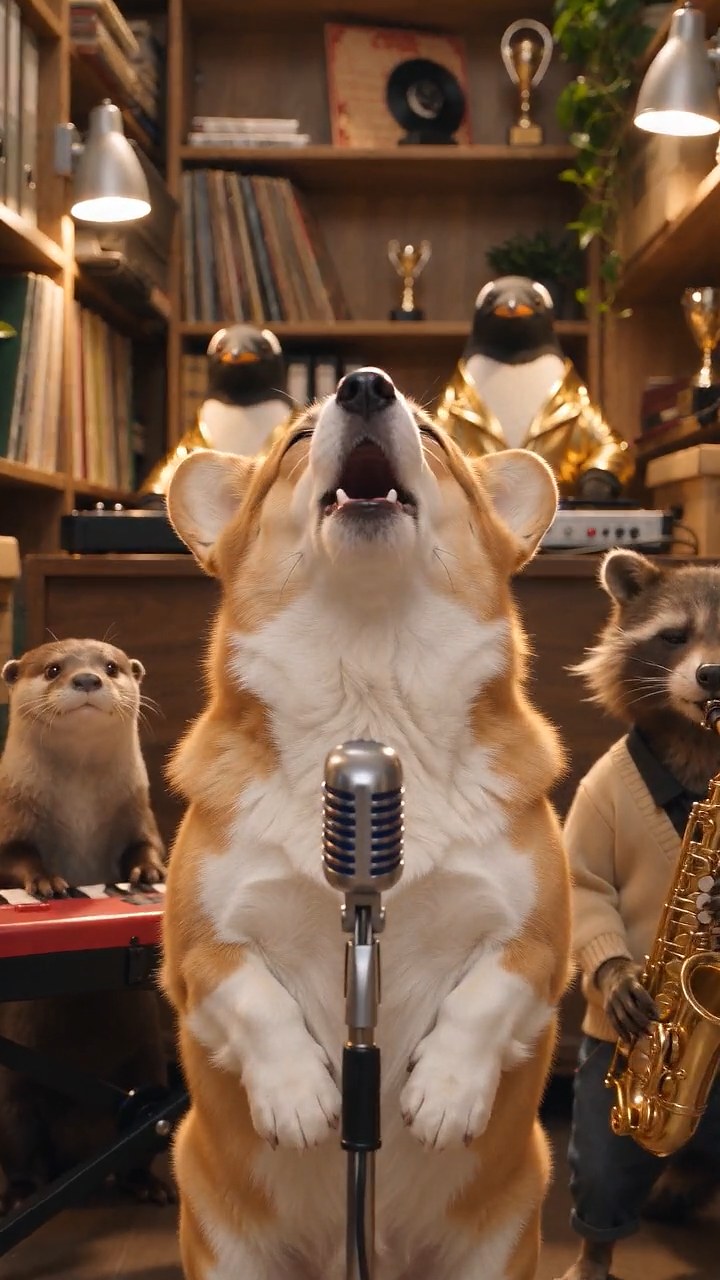 Talking Pet AITurn one pet photo into a talking pet video: type a short line and get a 10-second vertical clip with AI voice and lip-sync, ready for TikTok and Reels.Try this play
 AI Hamster VideoUse this AI hamster video generator to turn one photo into a short vertical clip. Pick a length and generate a video for TikTok and Reels.Try this play
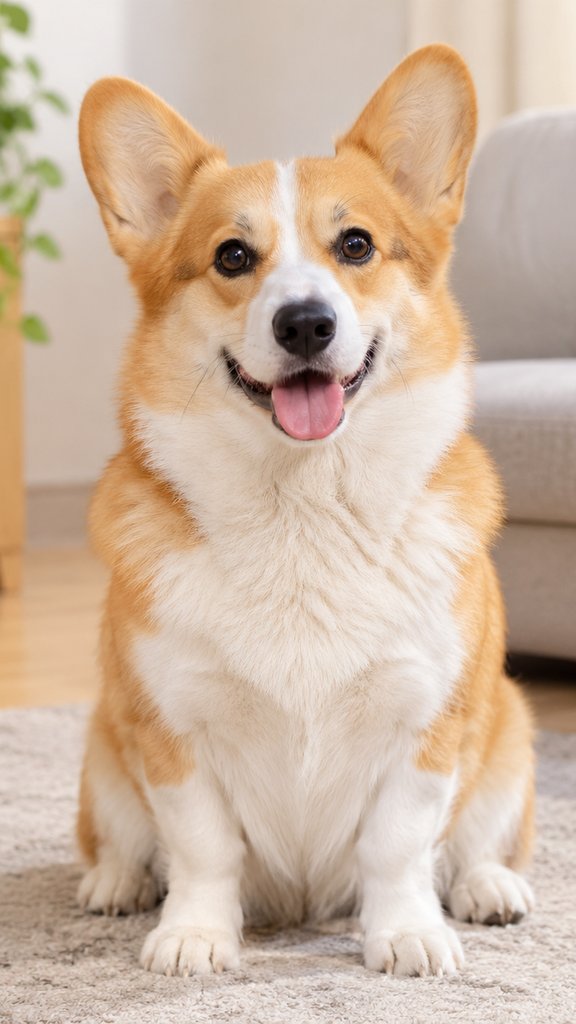 Cat DancingTurn one cat photo into a dancing cat video. Upload a clear photo and get a 10-second vertical clip with music, ready for TikTok, Reels and Shorts.Try this play Dog DancingUse this AI dog dancing video generator to turn one dog photo into a 10-second vertical dancing clip with music, ready for TikTok, Reels and Shorts.Try this play